 EWMD
How to save an m3u8 (HLS) video from a web page as MP4
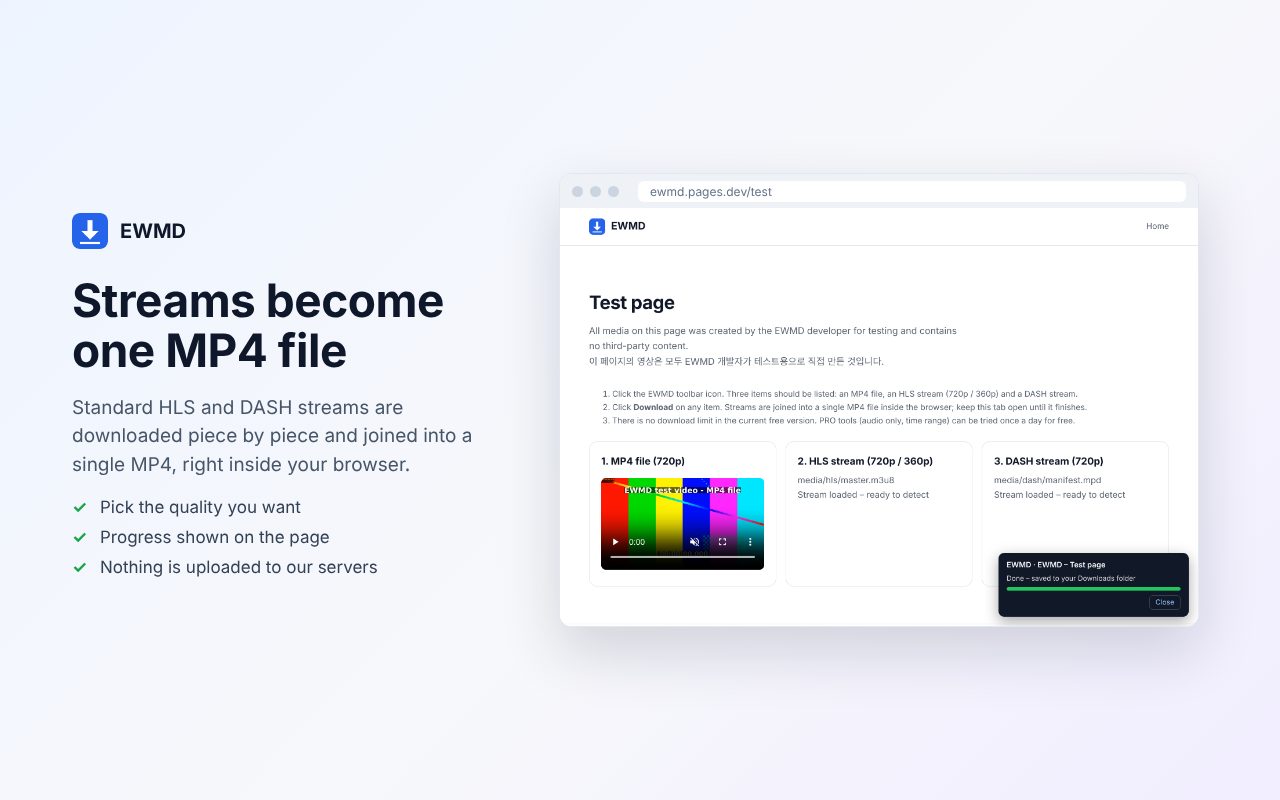
You found a video on a web page — a lecture you paid for, a recording of your own talk, a clip under an open licence — and you want to keep a copy. You right-click, but there is no “Save video as”. Or you find a link ending in .m3u8, download it, and get a tiny text file instead of a video. This guide explains why, and how to get a normal MP4 file.
What is an m3u8 file?
Many websites do not send a video as one file. They use HLS (HTTP Live Streaming): the video is cut into hundreds of short pieces (usually .ts or .m4s files of a few seconds each), and an .m3u8 file — a plain-text playlist — tells the player which pieces to load and in what order. Often there is also a “master” playlist that lists several qualities (for example 360p, 720p and 1080p), so the player can switch when your connection changes.
That is why downloading the .m3u8 link gives you a few kilobytes of text: it is the list, not the video. To get a playable file, every piece in the list has to be downloaded and joined together in the right order.
Before you start
- Only save videos you own or have permission to download, and follow the website’s terms.
- Encrypted HLS (a playlist with an
#EXT-X-KEYline), DRM-protected video and live broadcasts cannot be saved. These are protection measures, and EWMD does not bypass them. - Video and music streaming services are not supported.
Save an HLS video with EWMD, step by step
- Install EWMD from the Chrome Web Store. It is free, with no sign-up and no download limit.
- Open the page and press play. Let the video run for a few seconds. Many players only load the playlist when playback starts, so this is the step people most often skip.
- Click the EWMD icon in the toolbar (pin it from the puzzle-piece menu if you do not see it). The popup lists the videos on the page. HLS videos are marked Stream · HLS, with a short preview so you can check it is the right one.
- Pick the quality. “Best available” is selected by default; you can choose a lower quality to save space.
- Click Download. EWMD downloads the pieces (“Downloading pieces 120 / 480”) and joins them into one MP4 file. Keep the tab open until it finishes.
- Find the file in your Downloads folder, inside the
EWMDfolder. It plays in any normal video player.
You can also right-click a playing video and choose Download with EWMD.
How to tell whether a page uses HLS
If you are curious, open Chrome’s developer tools (F12 or ⌥⌘I on Mac), go to the Network tab, type m3u8 in the filter box and play the video. If requests ending in .m3u8 appear, the page uses HLS. You do not need to do this to use EWMD — it watches for these requests for you, inside your browser — but it helps explain what you see.
Practise on a test page
Our sample page has an MP4 file, an HLS stream and a DASH stream that you are free to download. It is a safe way to see how EWMD works before you use it on a real page.
Common problems
- The video is not listed. Play it for a few seconds, then click Scan again. If that does not help, reload the page and play it again. See what to do when a video is not found.
- “Encrypted” or “DRM-protected”. The stream is protected and cannot be saved. This is intentional.
- “Live stream – not supported”. A live playlist never ends, so there is no complete file to save.
- “This site is not supported”. Streaming services and sites that do not allow downloading are excluded.
- It is slow. A one-hour video can have more than a thousand pieces. Speed depends on the website’s server; leave the tab open and let it finish.
Try EWMD
Free and unlimited downloads, no sign-up. Detection and saving happen in your browser.
Only save videos you own or have permission to download, and follow each website’s terms.
Questions
- Is it legal to download an m3u8 video?
- It depends on the video, not the format. Saving your own videos, videos you bought with download rights, or openly licensed videos is generally fine. Copying protected or paid content without permission is not. Check the website’s terms.
- Do I need to convert .ts files afterwards?
- No. EWMD joins the pieces and saves a single MP4 file directly, so there is nothing to convert.
- Is the video uploaded anywhere?
- No. Detection and saving happen inside your browser. Videos and page addresses are never sent to our servers.
- Can I save only the audio?
- Yes, with the optional PRO tools you can save just the sound as an M4A file (each PRO tool can be tried once a day for free).
More guides
- How to save a DASH (.mpd) video from a web page as MP4
What an MPD file is, why DASH video and audio come as separate tracks, and how to save a DASH stream you are allowed to keep as one MP4 in Chrome.
- Video downloader can’t find the video? A checklist that works
Why a browser video downloader sometimes shows no video, what each error message means, and a step-by-step checklist for saving videos you are allowed to keep.