 EWMD
How to save a DASH (.mpd) video from a web page as MP4
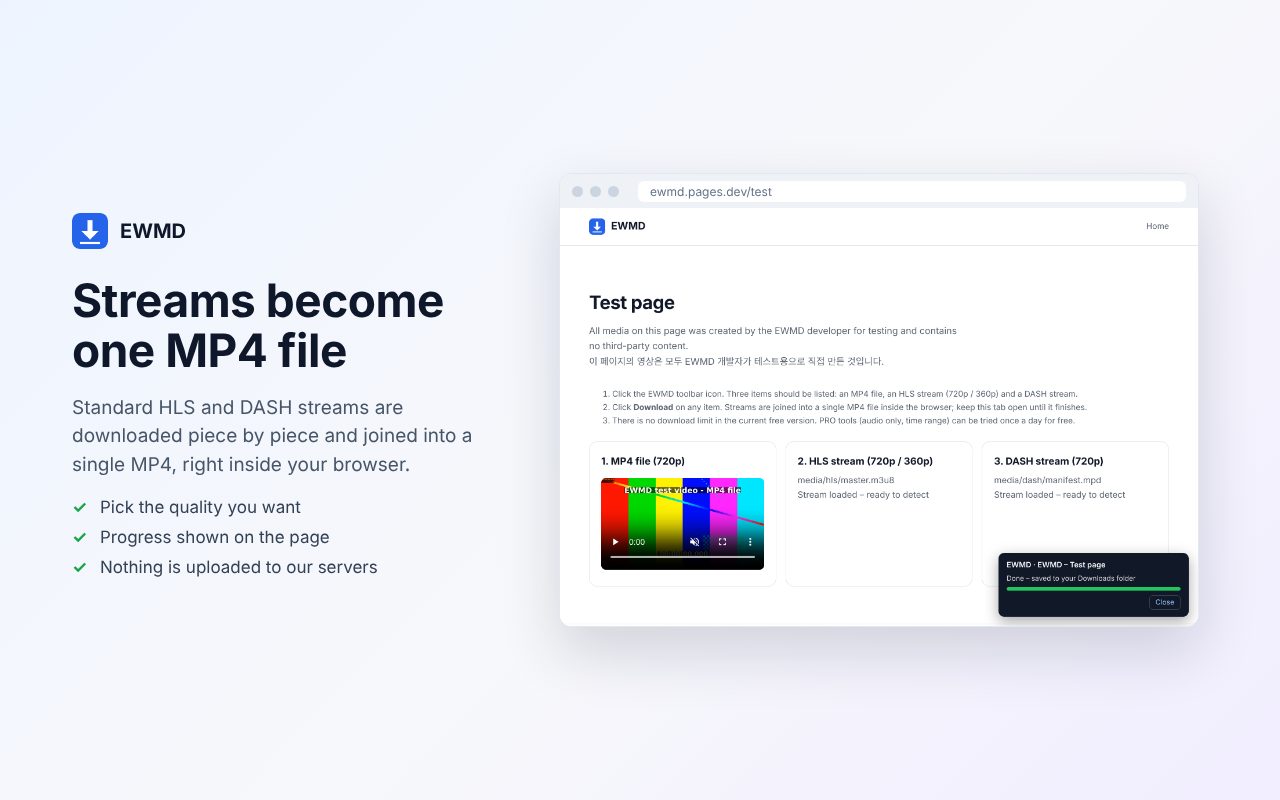
Some web players use MPEG-DASH instead of HLS. If you look closely you will see a file ending in .mpd, and saving it gives you a short XML document rather than a video. This guide explains what DASH is and how to turn a DASH stream you are allowed to keep into a single MP4 file.
What is an MPD file?
An .mpd file (Media Presentation Description) is the DASH version of a playlist. Like HLS, DASH splits the video into short segments (usually .m4s files). Two things are different:
- Video and audio are separate. A DASH page usually loads a video-only track and an audio-only track at the same time. If you grab just one of them, you get a silent video or sound without a picture.
- The playlist is XML. It lists the available qualities (“representations”), how the segments are named, and whether the content is protected.
HLS and DASH at a glance
| HLS | DASH | |
|---|---|---|
| Playlist file | .m3u8 (text) | .mpd (XML) |
| Segments | .ts or .m4s | usually .m4s |
| Audio | often inside the video segments | usually a separate track |
| Saved by EWMD as | one MP4 | one MP4 (video + audio) |
Before you start
- Only save videos you own or have permission to download, and follow the website’s terms.
- If the MPD contains a
ContentProtectionelement, the video is DRM-protected and cannot be saved. Live DASH streams are not supported either. - Video and music streaming services are not supported.
Save a DASH video with EWMD, step by step
- Install EWMD from the Chrome Web Store (free, no sign-up).
- Open the page and play the video for a few seconds so the player loads the MPD.
- Click the EWMD icon. DASH videos are listed as a stream with a short preview.
- Pick the quality. EWMD shows the video qualities in the MPD; “Best available” is the default. The matching audio track is added automatically.
- Click Download. EWMD downloads the video and audio segments and writes them into one MP4 file. Keep the tab open until it finishes.
- Open the file from the
EWMDfolder in your Downloads.
Checking whether a page uses DASH
Open developer tools (F12), go to the Network tab, filter by mpd and play the video. An .mpd request means the page uses DASH. Again, EWMD does this detection for you in the browser — this is only for the curious.
Want to see it work first? The sample page includes a DASH stream you are free to download.
Common problems
- Not listed. Play the video, then click Scan again. See what to do when a video is not found.
- “DRM-protected – cannot be downloaded”. The MPD declares content protection. This cannot be saved, by design.
- The file has no sound. This happens when only the video track is grabbed by other tools. EWMD adds the audio track to the same MP4; if a page offers no audio track, the video itself has no sound.
Try EWMD
Free and unlimited downloads, no sign-up. Detection and saving happen in your browser.
Only save videos you own or have permission to download, and follow each website’s terms.
Questions
- Why does my DASH download have no sound?
- DASH sends audio and video separately. Tools that only grab the video segments produce a silent file. EWMD downloads both and puts them into one MP4.
- Can EWMD save DRM-protected DASH video?
- No. If the MPD declares content protection, EWMD refuses to save it. It never bypasses DRM or encryption.
- Which quality should I choose?
- “Best available” keeps the original quality. Choose a lower one if you need a smaller file.
More guides
- How to save an m3u8 (HLS) video from a web page as MP4
What an m3u8 file is, why “Save video as” does not work, and how to save an HLS stream you are allowed to keep as a single MP4 file in Chrome.
- Video downloader can’t find the video? A checklist that works
Why a browser video downloader sometimes shows no video, what each error message means, and a step-by-step checklist for saving videos you are allowed to keep.